
Viewing goals
Open the client profile and navigate to the Goals tab.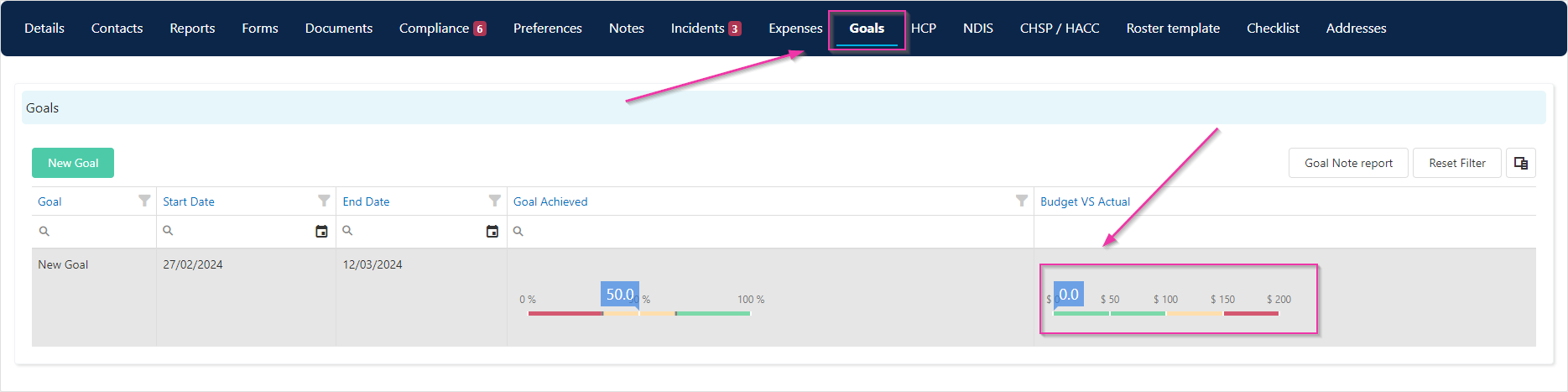
- The linked service category
- Budget versus actual progress (the blue bar indicates confirmed time against the goal)
- A Goal Achieved slider that you update manually by double-clicking the record and moving the slider
Adding a new goal
Click the New Goal icon to create a goal.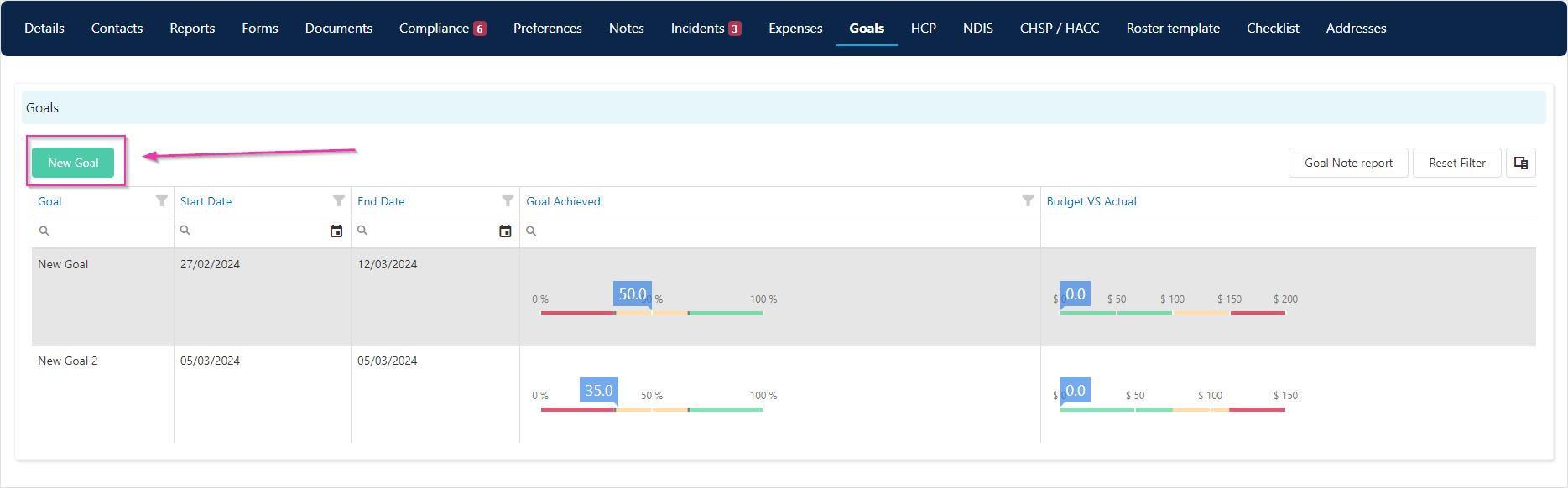
Editing a goal
Enter the goal details and click Save. You edit goals at any time by opening the record.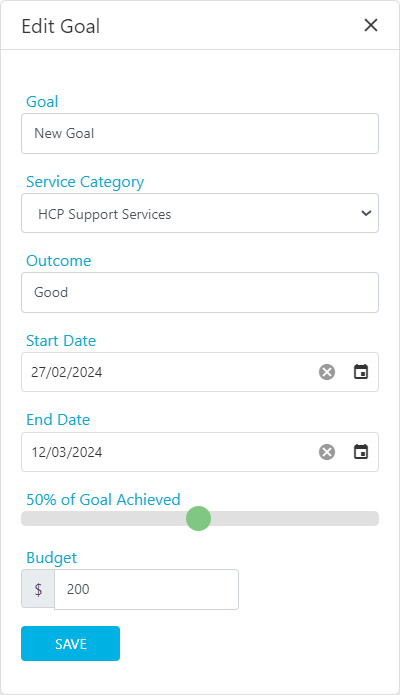
Running into issues?
See Client management troubleshooting for common errors and fixes.Related articles
NDIS tab and statements
Generate NDIS reports that reference goal progress
Creating a client profile
Set up the client profile that holds goals