
Client compliance
The compliance items list defines what compliance is tracked across client profiles. Items added here appear on the Client Profile → Compliance tab. Click Add Compliance Item and enter the details. Edit existing items by clicking on them in the list.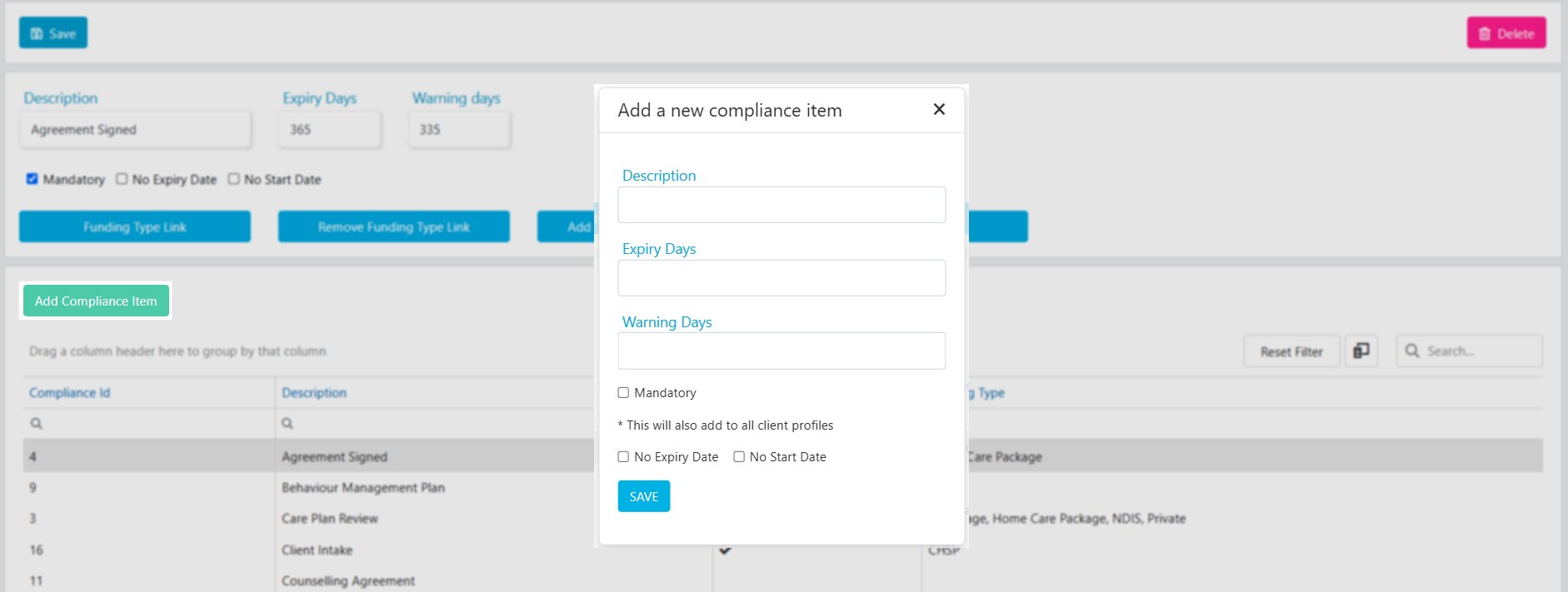
Linking to funding types
There are several ways to connect compliance items with client profiles:- Link the compliance item directly to a funding type
- Add the compliance item to clients by their funding type
- Add the compliance item to all clients regardless of funding type
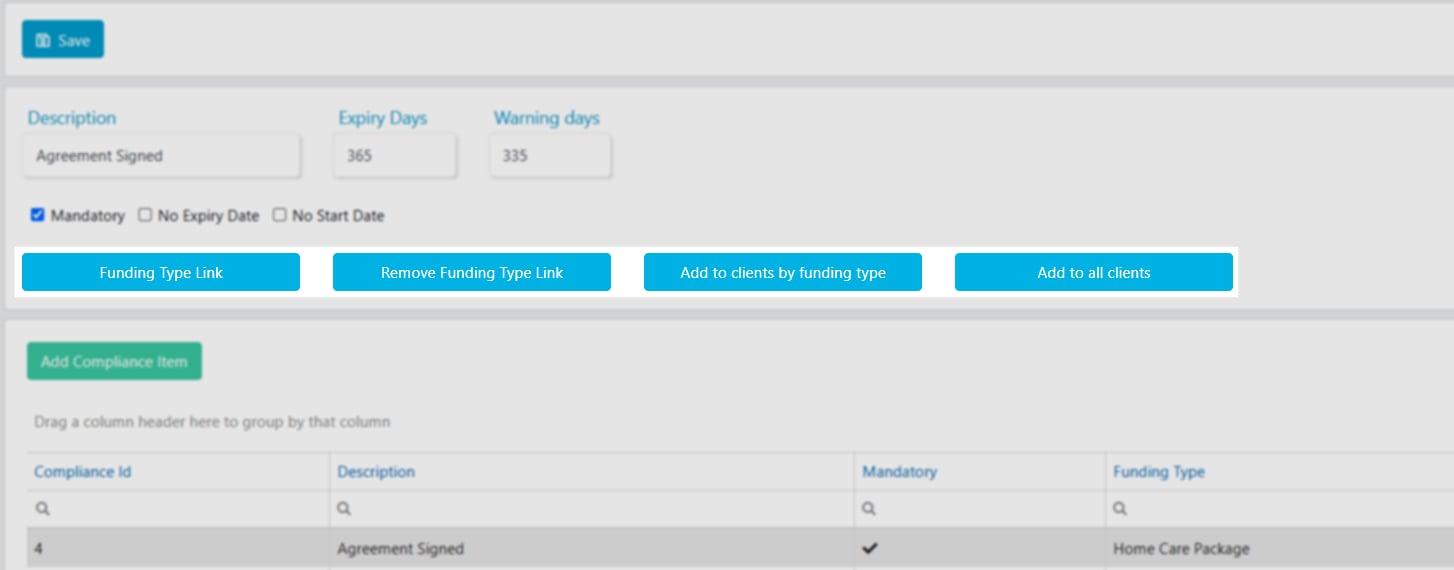
If compliance items are not linked to any funding types, all items are automatically added to new client profiles on creation.
Client compliance templates
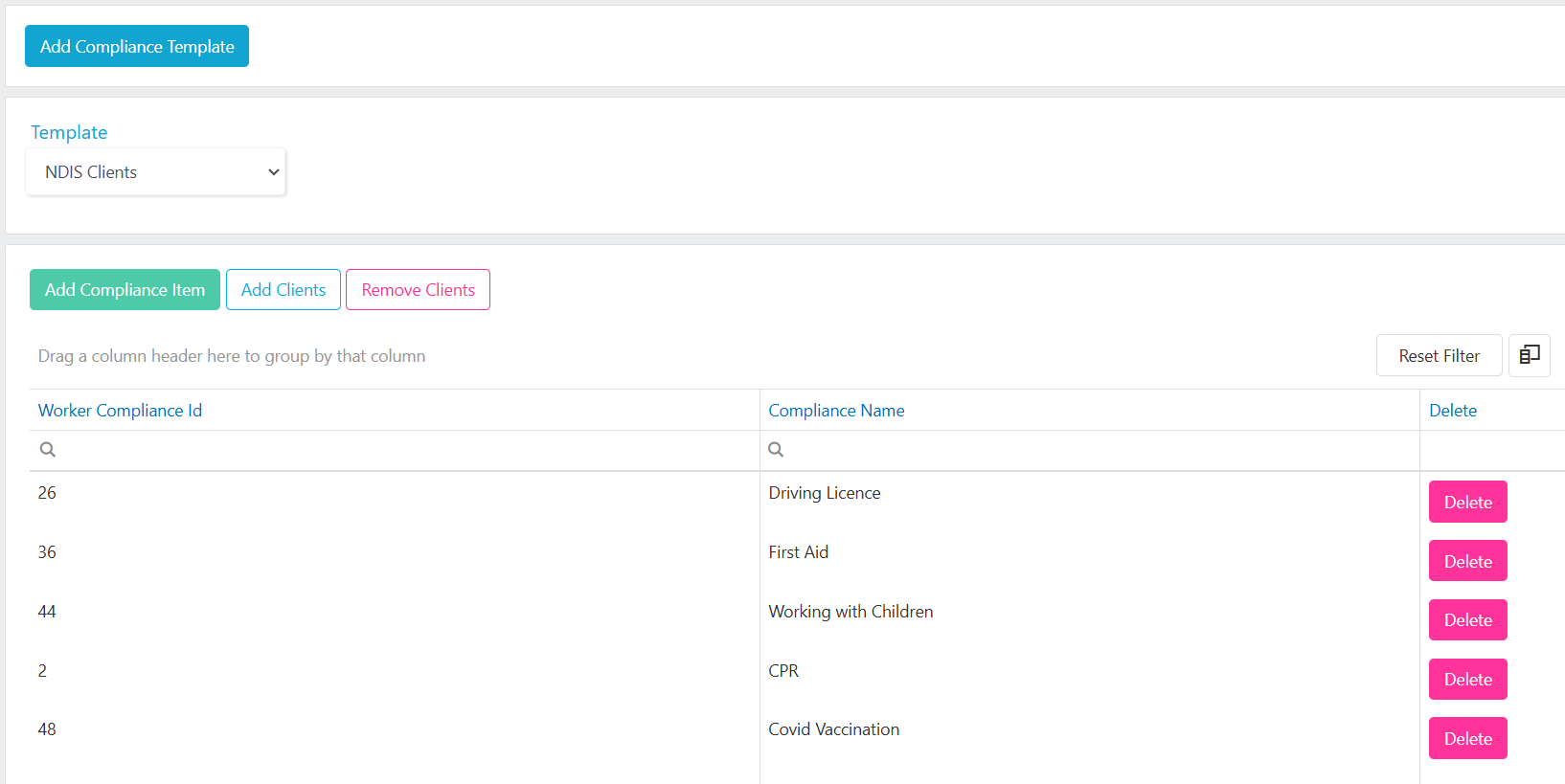
Compliance templates let you add multiple required worker compliances to the Client Profile → Preferences tab in one action. This controls which worker compliance items are checked when rostering workers for the client.Setting up a compliance template
- Click Add Compliance Template, enter the Template Name, and click Save
- Add worker compliance items by clicking Add Compliance Item, selecting items from the drop-down, and clicking Save
- Assign clients to the template by clicking Add Clients, ticking the clients, and clicking Save
Client types
Use client types as an additional filtering layer for client lists. Add types by clicking Add Type, entering the detail, and clicking Add.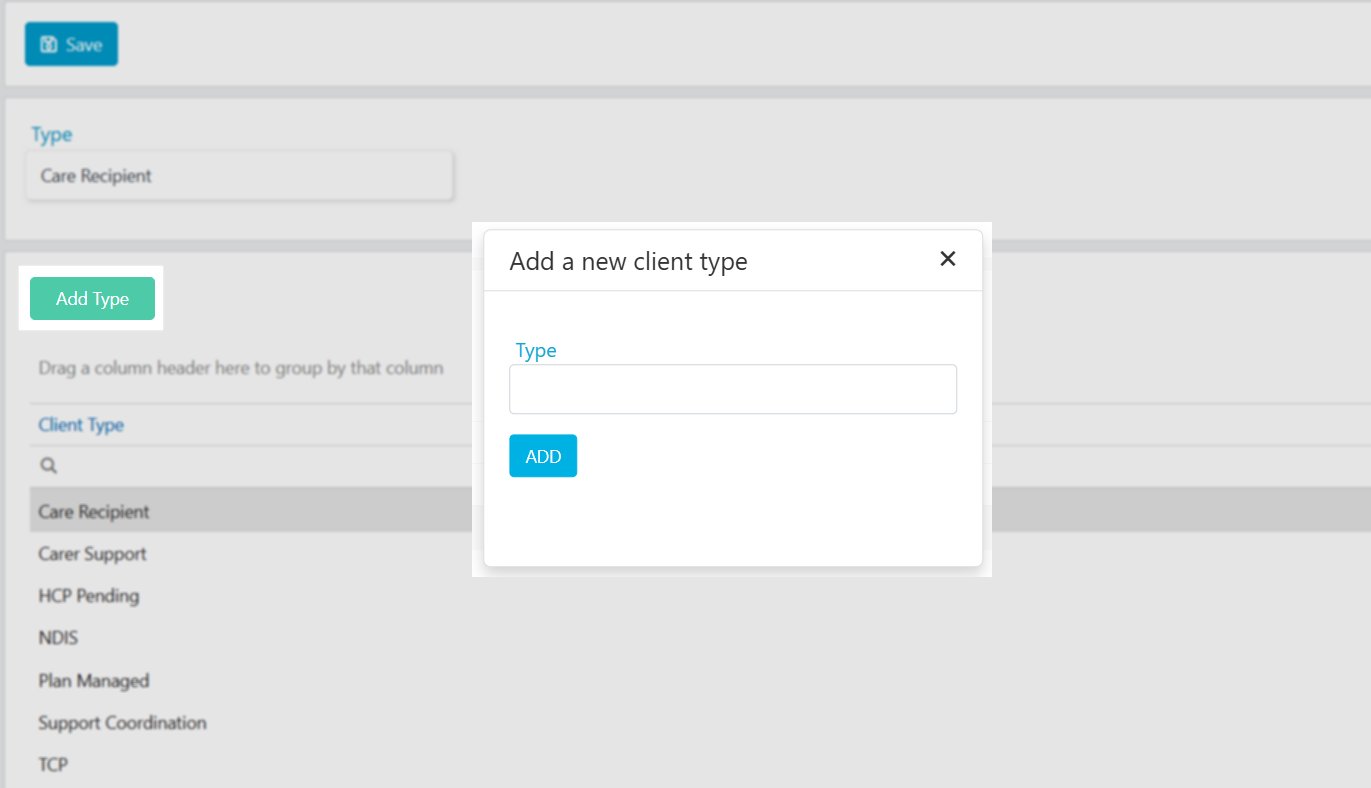
Funding types
Funding types are available for selection on the client profile, as the Agreement Type in client agreements, and as the Service Type in services. Add types by clicking Add Type, entering the detail, and clicking Add.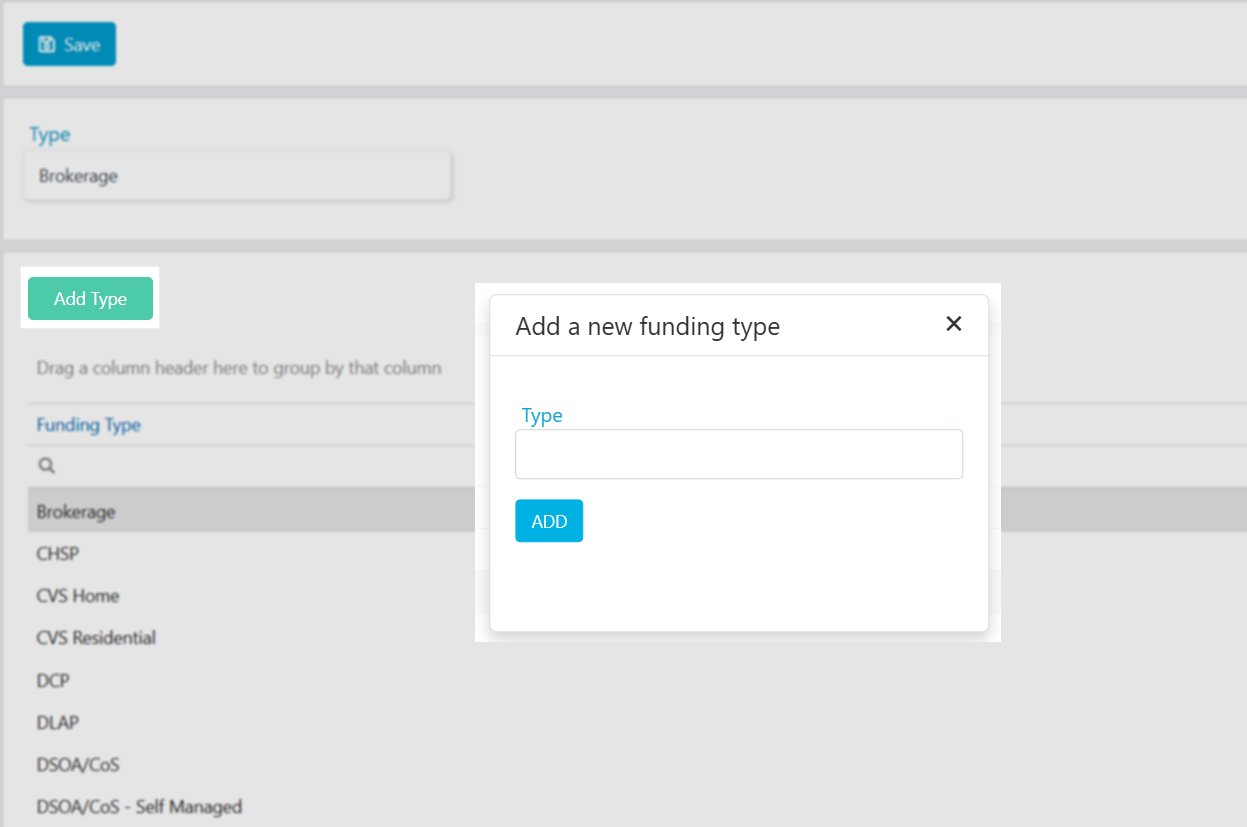
Disability categories
Customise the drop-down list of client disabilities that appears on the client profile. Add new disabilities by clicking Add Disability, entering the detail, and clicking Add.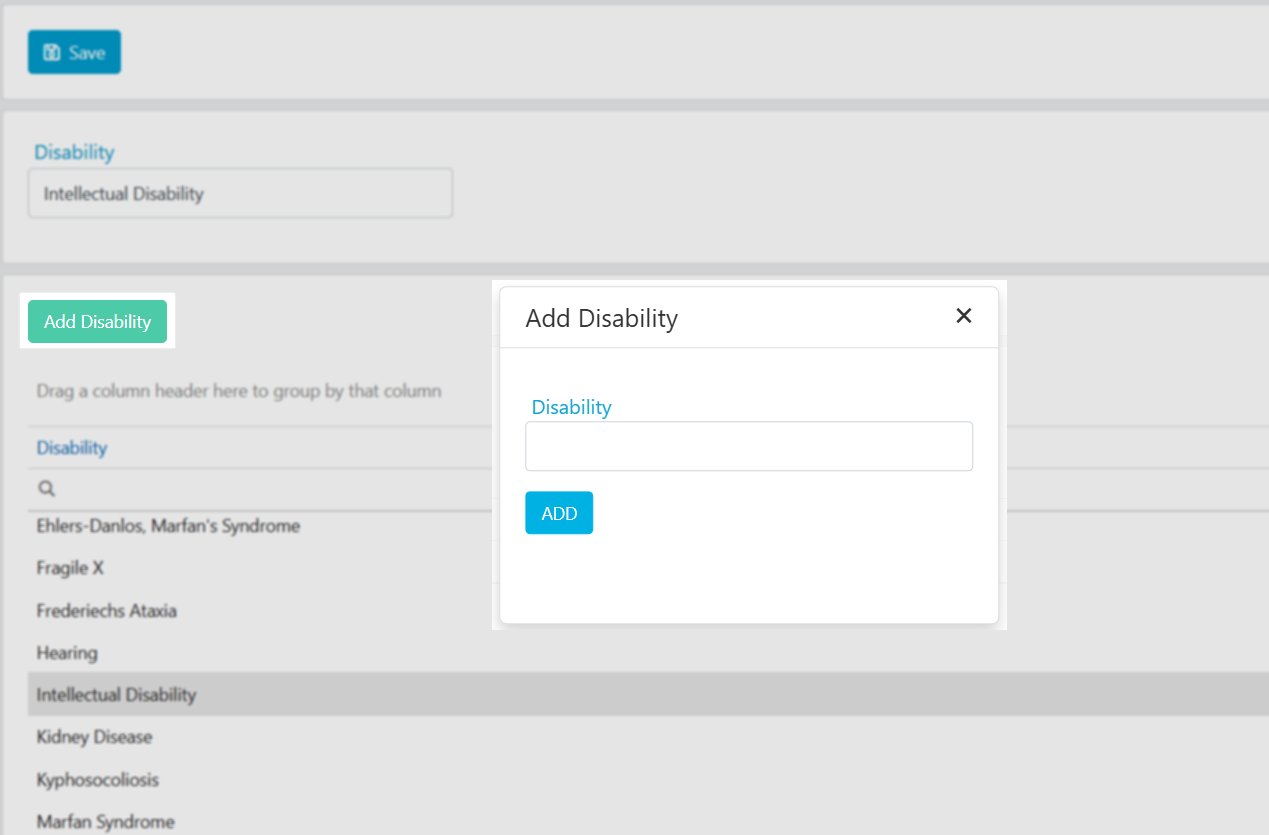
Running into issues?
See Client management troubleshooting for common errors and fixes.Related articles
Compliance configuration
Set up compliance items and link to funding types
Managing client compliance
Track compliance on individual client profiles
Preferences
Set preferred and non-preferred workers for a client