
How it works
When a support worker submits an incident form through the vWorker mobile app, two things happen:- The incident is saved to the relevant client and worker profiles
- A pop-up notification is generated for office staff in vCore

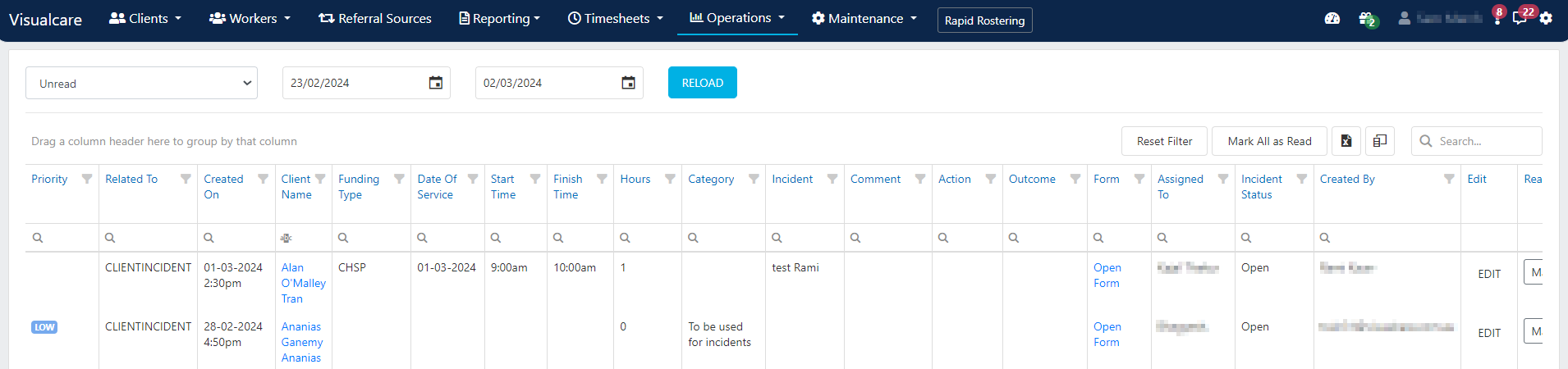
Accessing incident details
To view more information about an incident, click either:- The Incidents KPI tile on the home page
- The exclamation mark notification icon in the header
Running into issues?
See Incidents troubleshooting for common errors and fixes.Related articles
Creating an incident
How incidents are created and where to find them
Editing incidents
Review and update incident details after submission
SIRS incidents
Create and manage Serious Incident Response Scheme records